The brief
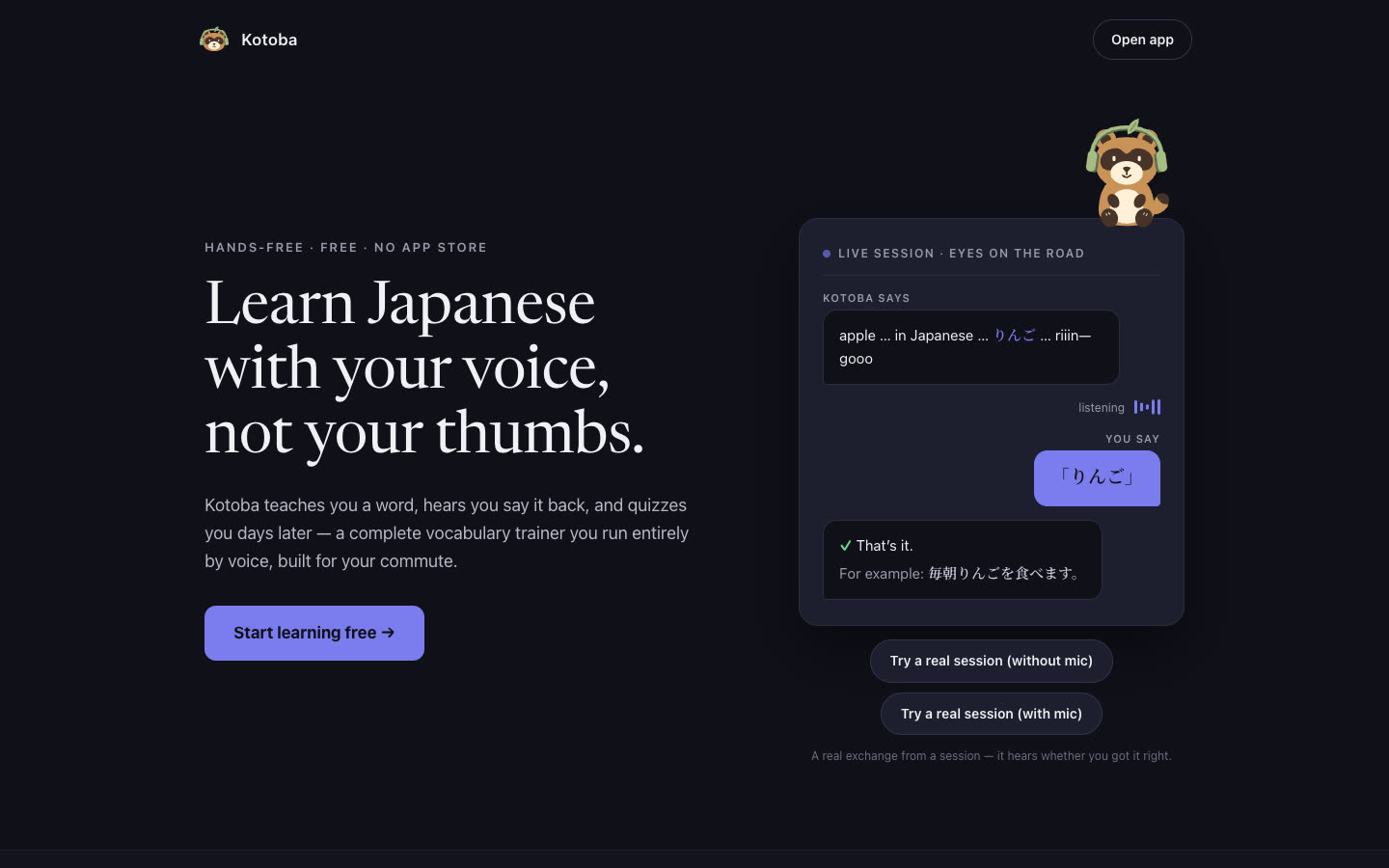
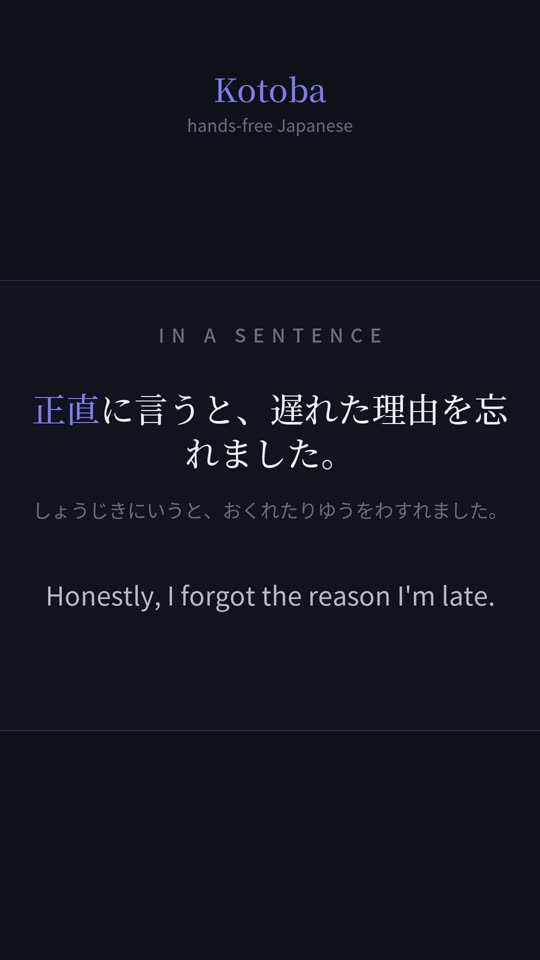
I wanted to study Japanese in time I already had: driving, walking the dog, doing laundry. Every flashcard app I tried needs your eyes and thumbs. So the brief was an app you start with one tap and then run by voice. It teaches a word, has you say it back, quizzes you days later, and grades you by listening.
Kotoba is live at kotobaapp.com as a free web app you add to your home screen. It covers the JLPT N5, N4 and N3 word lists. The code is written by Claude Code and Codex. I write the briefs, make the calls, and test it on my own commute.
How it works
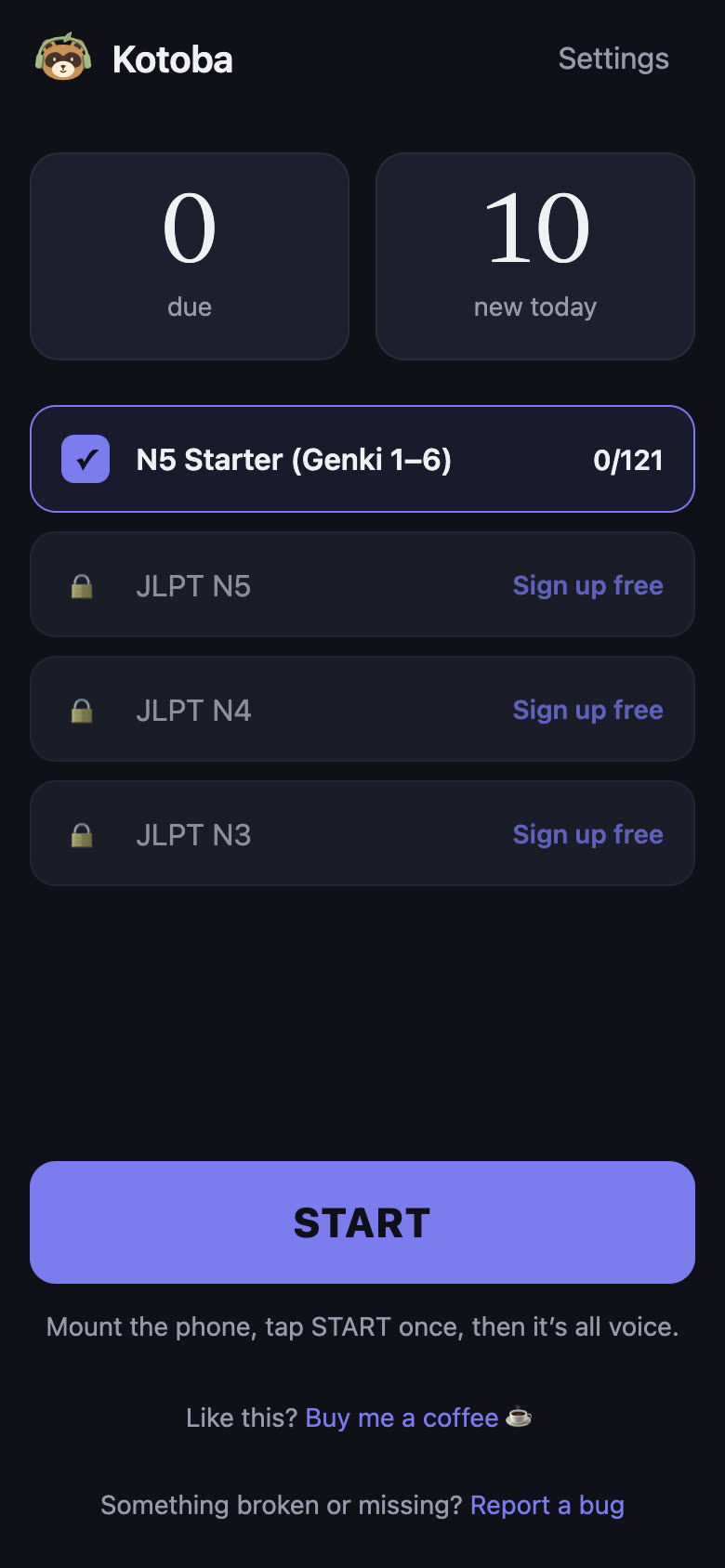
- Listening and grading. Your answer goes to Deepgram for transcription through a small Cloudflare Worker that keeps the key off the phone. Single words are matched in code. For the harder exercises, where you build your own sentence, Claude Haiku grades the answer and returns one specific fix. I chose Haiku after an eval set: it judged 16 of 19 test cases correctly in about a second. A bigger model scored 10 of 19 and was too lenient.
- Spaced repetition. FSRS, the open scheduling algorithm Anki also offers, brings each word back just before you’d forget it. As a word matures it climbs a ladder: hear it, fill it into a sentence, say a sentence back, make your own.
- Thousands of example sentences. A batch pipeline on the Claude API groups related words and has Sonnet write sentences for them. Code then checks each one with a Japanese parser and drops near-duplicates, and a second Claude pass grades what’s left before anything ships. About 7,000 sentences made it through across the three levels.
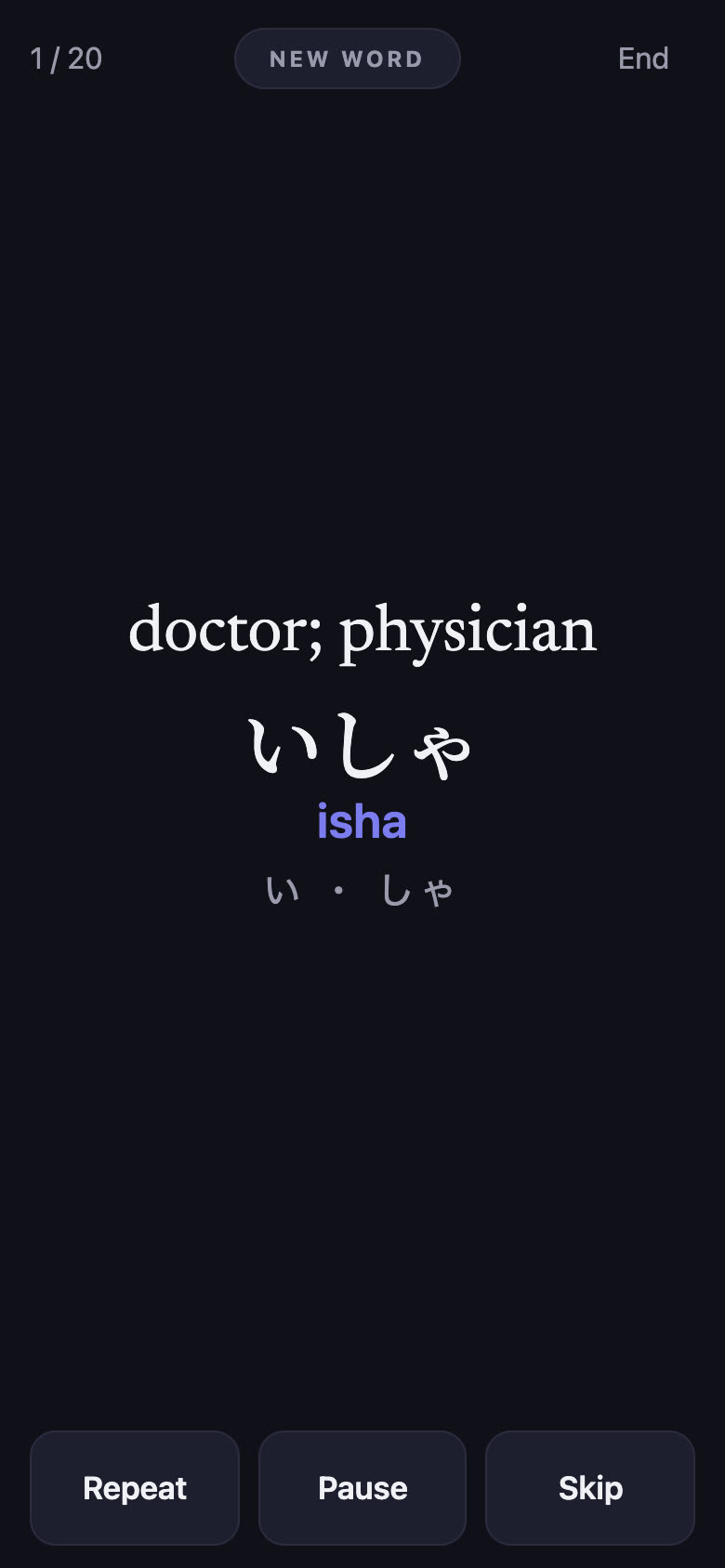
- Voices. Every clip is pre-generated with Microsoft’s neural voices and served from Cloudflare R2. Where the default voice gets a word’s pitch accent wrong, Azure Speech re-records the sentence with a spelled-out accent. When you miss, the app says out loud what it heard and what to fix.
- Design. The app interior came from a Claude Design handoff. The mascot, Kinako the tanuki, started as Codex image-generation concept sheets and was then rebuilt as editable vector art.
The Shorts
Kotoba has a YouTube channel, and two workflows feed it. The weekly one is automated. Every Monday a job has Claude pick sentences from the decks, renders vertical videos in code, and queues them for review. Approved ones upload on a schedule, one per weekday.
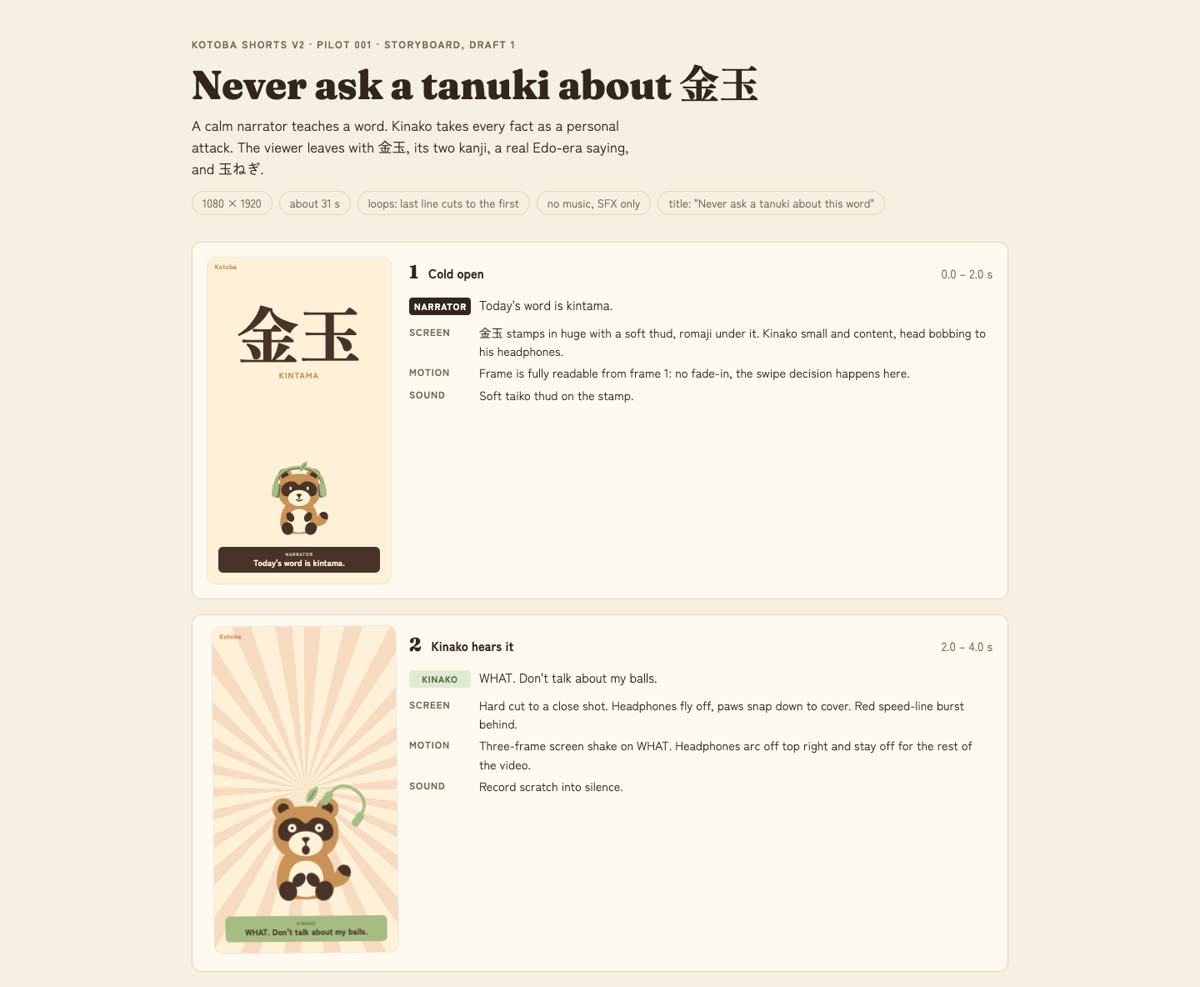
The newer one is hand-made comedy skits starring Kinako. The first went live on October 7, 2026: Kinako learns what 金玉 means and takes it personally. The workflow has gates, like any production. The pitch gets approved, then a storyboard, before anything moves. Claude writes the board and generates several voice takes per line in Azure. I pick the takes on a picker page. The animation is HTML rendered to video with HyperFrames. Kinako’s expressions are swaps of eye and mouth layers on the approved artwork, never generated images, so he stays on model.
Where I sign off
- Language. A native Japanese speaker reviews content on a private review page and flags anything unnatural. A script turns those flags into corrections, the audio gets regenerated, and each fix is checked off. One round was 114 flags; the next was 71.
- Every video. Weekly shorts wait on the review page until they’re approved. For the skits I approve the pitch, the storyboard, the voice takes and the final cut, and I run the publish command myself.
- The grader. Any change to the grading prompt or model has to pass the eval set before it deploys.
- The phone. Anything involving the microphone gets a manual checklist on a real iPhone. Simulators can’t reproduce what Safari does to a mic.
- Anything permanent. Domain changes, secrets and production data stay with me. The agents work from one shared instruction file, and when one gets something wrong, the fix goes into that file.
What broke
- iPhone speech recognition. The first week was a fight with Safari: the mic died after the first answer and the session froze on word two. I moved recognition to Deepgram behind a Worker, and kept the phone’s built-in recognition as a fallback.
- Silent misses. The logs showed that 84 of 251 quiz answers were clearly audible but came back with an empty transcript, and learners had overridden 30 of them by hand. Now an empty result gets one retry on a newer model before it counts.
- Word recordings cut short. To fix pitch accents, I had words cut out of full sentences using timing data from the voice service. That timing turned out to be estimated, not measured, and 31 of 34 clips were clipped (三日 played as “mik”). The cuts now line the audio up against a recording of the word on its own.
- A sync bug cost someone a day. A phone that hadn’t pulled the latest progress overwrote a learner’s account with older data. Syncing is now a merge on the server, so a stale device can’t roll anyone back.
- The pilot skit’s captions sat under YouTube’s title bar. Version 1 ignored the Shorts safe zone. Version 1b fixed it, and the build now draws the safe zone so every frame can be checked.
What’s next
On launch day I set a new default pace for skits: about 30 seconds, down from 39. Next is turning the skit steps into a repeatable tool so episode two is faster than the pilot. On the app side: a verb-conjugation track, which is live only for me while it’s tested; a sentence-building challenge for a small invited group; and a hands-free voice-note button so I can log bugs from the driver’s seat.